
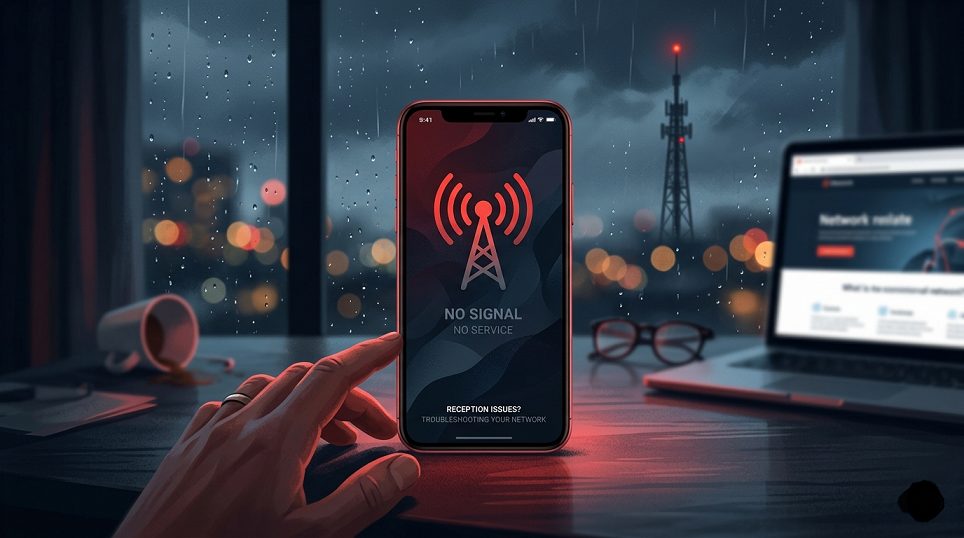
A red phone signal is a warning indicator that appears on mobile devices to show a problem with network connectivity. Unlike normal signal bars (usually green or white), a red signal icon typically means your phone is not properly connected to a cellular network or is experiencing a serious issue that prevents communication.
Understanding what this signal means can help you quickly fix the problem and restore service.
What Does a Red Phone Signal Mean?
A red phone signal generally indicates one of the following:
- No network coverage
- SIM card issues
- Network outage
- Device malfunction
- Account or service suspension
In most cases, it means your phone cannot make calls, send messages, or use mobile data.
Common Causes of a Red Signal
1. No Network Coverage
If you are in a remote area, underground location, or inside a building with poor reception, your phone may display a red signal due to weak or no coverage.
2. SIM Card Problems
A damaged, improperly inserted, or inactive SIM card can prevent your device from connecting to the network.
3. Network Outages
Temporary issues with your mobile operator—such as maintenance or technical faults—can cause signal loss.
4. Airplane Mode or Settings Issues
If airplane mode is turned on or network settings are misconfigured, your phone may show a red signal.
5. Software or Hardware Issues
Outdated software, bugs, or internal hardware damage can also interfere with signal reception.
6. Unpaid Bills or Suspended Service
If your mobile plan is inactive due to unpaid bills, your carrier may block network access.
How to Fix a Red Phone Signal
Here are some practical steps you can try:
1. Check Signal Area
Move to an open space or a different location where network coverage is stronger.
2. Restart Your Phone
A simple restart can refresh network connections and fix temporary glitches.
3. Inspect the SIM Card
- Remove and reinsert the SIM card
- Clean it gently if needed
- Try it in another device to check if it works
4. Turn Airplane Mode On and Off
This resets your phone’s connection to nearby towers.
5. Check Network Settings
Make sure your phone is set to automatically select the correct network.
6. Update Software
Install the latest updates to fix bugs that may affect connectivity.
7. Contact Your Carrier
If the issue persists, reach out to your mobile service provider to check for outages or account problems.
When Should You Be Concerned?
You should take the issue seriously if:
- The red signal remains for a long time
- Multiple devices in your area are affected
- Your SIM works in other phones but not yours
- You recently dropped or damaged your phone
These signs may indicate a deeper hardware or network issue.
Tips to Avoid Signal Problems
- Keep your phone updated
- Use a protective case to prevent hardware damage
- Pay your bills on time
- Avoid removing the SIM card unnecessarily
- Use network boosters in low-signal areas
Conclusion Red phone signal
A red phone signal is a clear indication that your device is facing connectivity issues. While it can be frustrating, most causes are easy to identify and fix. By following simple troubleshooting steps and understanding the root of the problem, you can quickly restore your mobile network and stay connected without interruption.